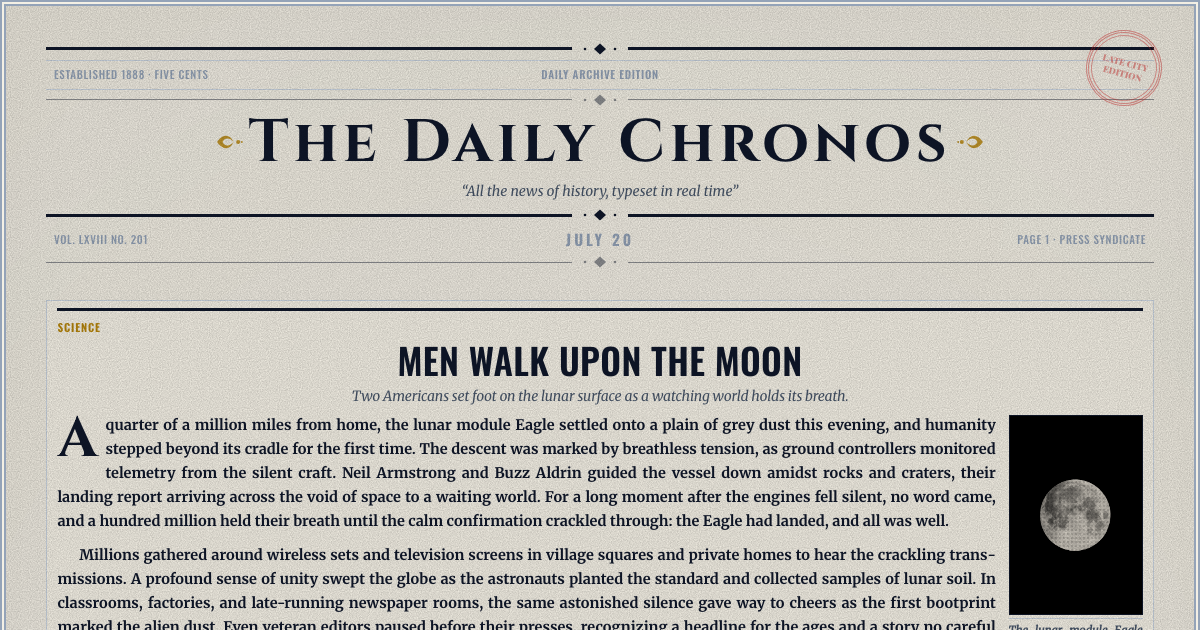
Type a paper name, a date, a headline and the story, add a photo if you have one, and download a cut-out clipping with a transparent background. It is free, and you do not need an account.
A clipping is a single story: the paper's name and date across the top, then the headline and the copy in narrow newspaper columns, with cut edges all round. Type into the form and the clipping sets itself beside it as you write. Choose a scissor cut, a torn edge, or a cut that keeps the paper's name in its masthead lettering.
Type a headline and it is set in newspaper type straight away, under the paper's name and the date. Choose Headline only for a headline image with no story, and Large or Extra large to set the type bigger. For a full article, write it below the headline yourself, or give the writing assistant a line about what happened and choose a period style, such as an 1890s Victorian broadsheet or a 1920s jazz-age paper. It drafts a headline, a subheading and the story, and you can change every word before you download.
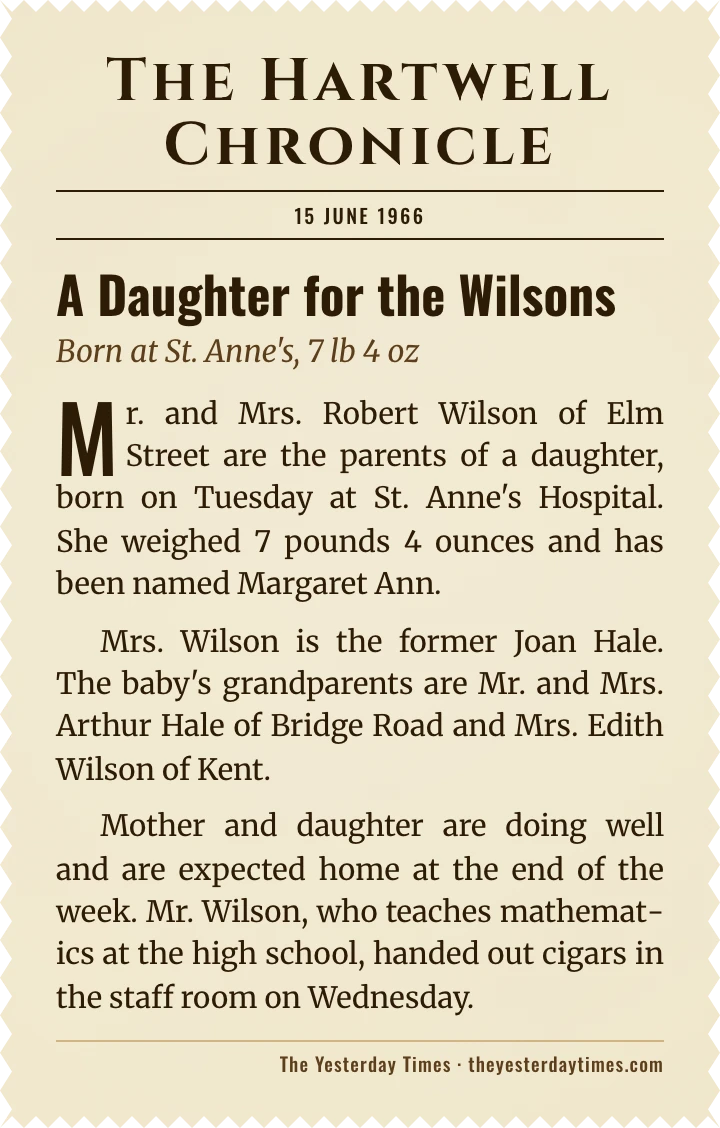
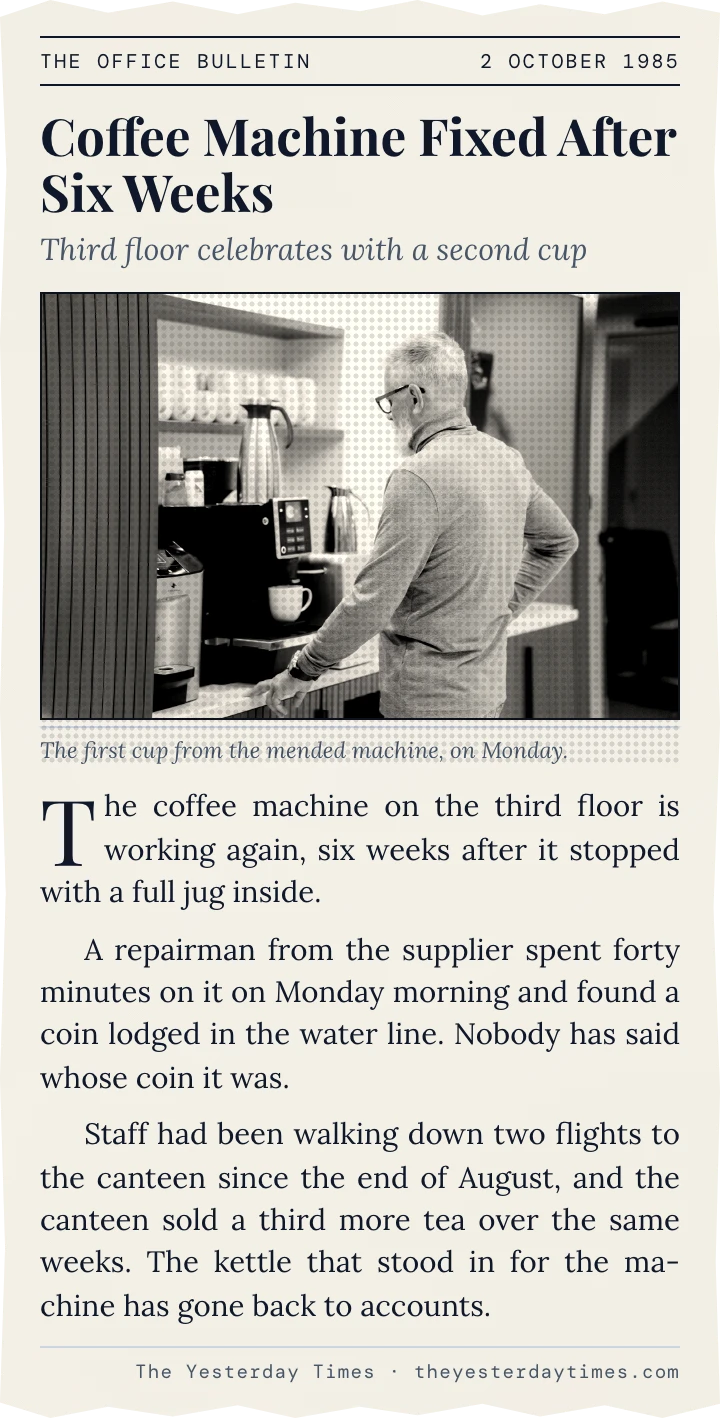
The date you type decides the type. A date before 1935 gets Victorian serif headlines, a date from 1935 to 1969 gets bold condensed headlines, and anything later gets a modern serif. Choose sepia, parchment or vellum paper for an aged clipping, or noir for black and white.
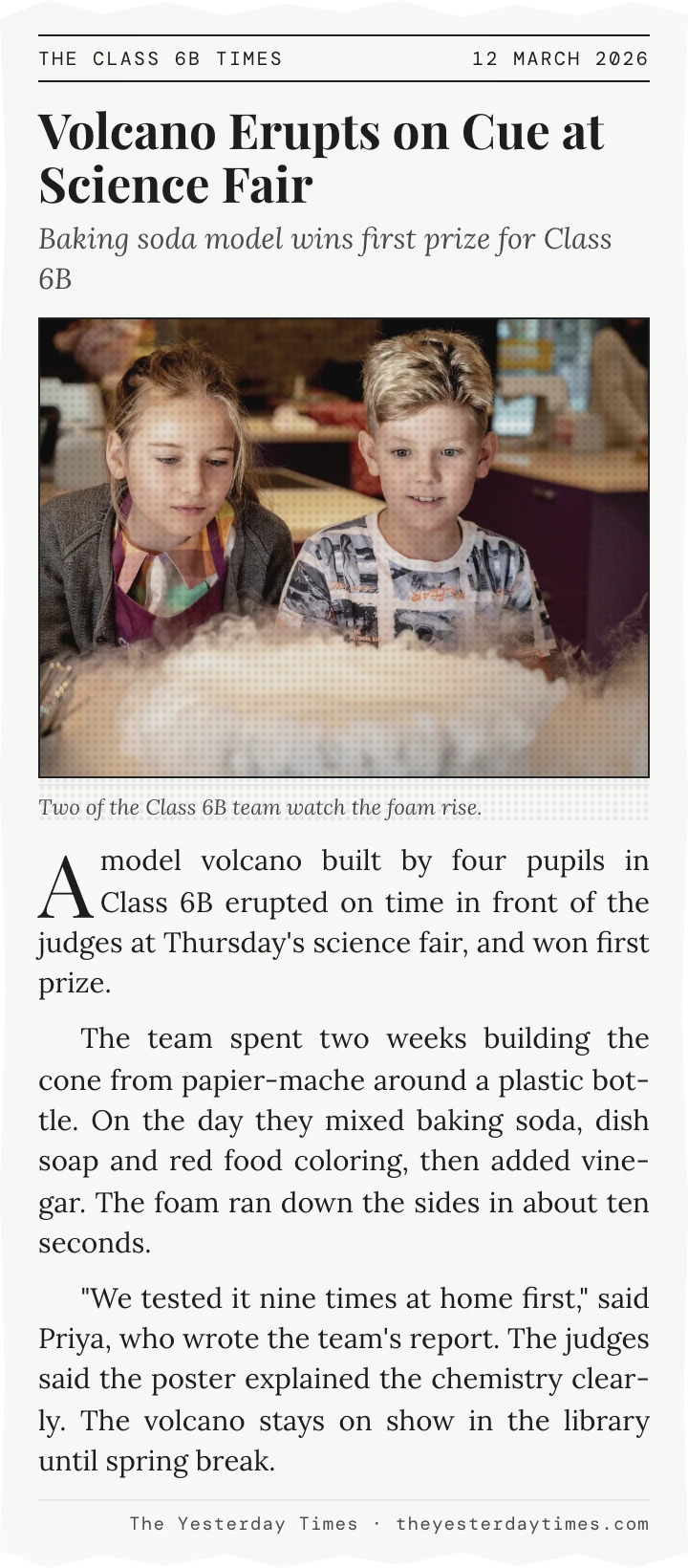
A one-column clipping holds up to 250 words and reads like a short item cut from an inside page. A two-column clipping holds up to 500 and suits a longer story with a photo. Upload a photo of your own or search for one, and it is printed in the paper's newsprint tone with a caption you write.
The download is a PNG with a transparent background outside the cut edges, so the clipping sits cleanly on a card, a scrapbook page, a PowerPoint slide or a social post.
Students writing a news report can use it in place of a newspaper article template. Type the headline, the date and the report, and it is set in columns the way a paper would print it. Download the image to print it, or add it to a document or a slide.
Every story on our front pages has a Clip this story button, including the real events on the On This Day pages. It opens here with the headline, story, photo, paper name and date already filled in.
Birthday and anniversary cards, props for a film or a party, a school project written up as a news report, a joke about a friend's cooking. The clipping tells the story as news, and people read it that way.
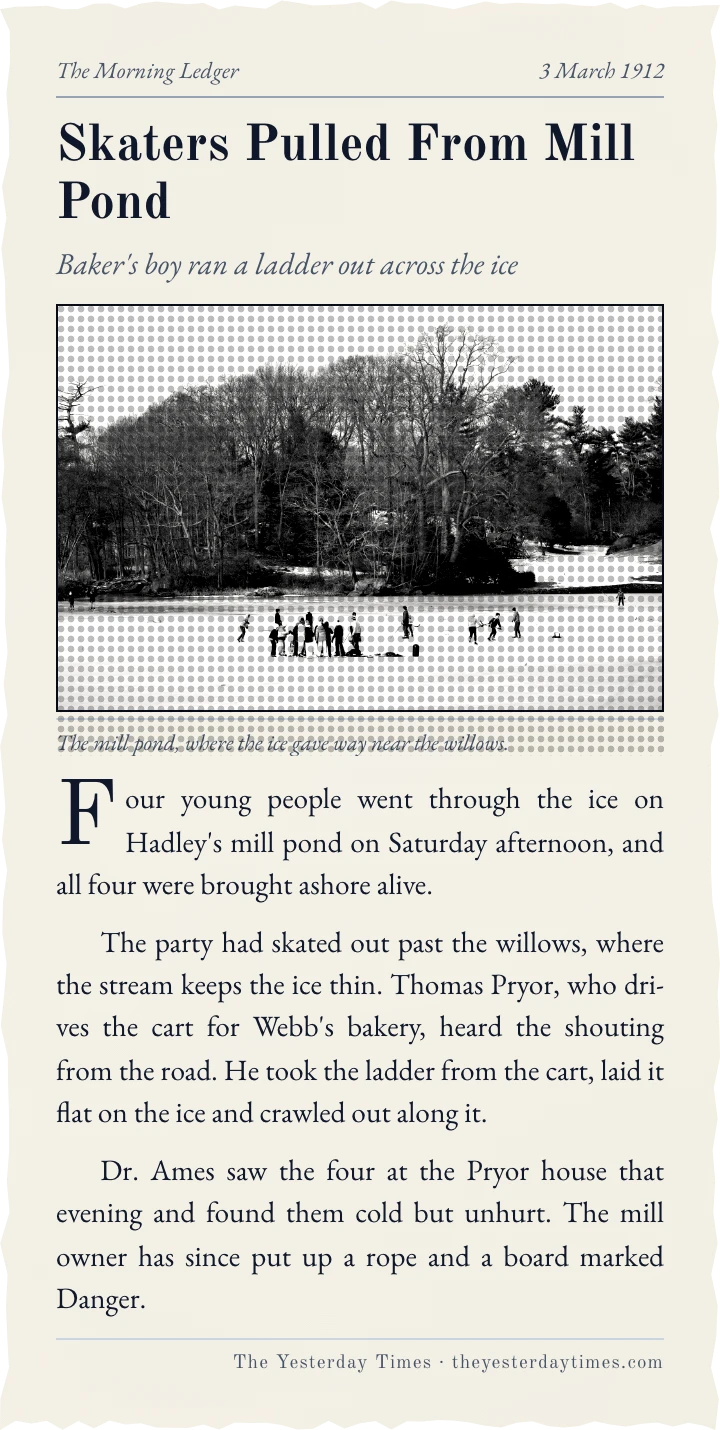
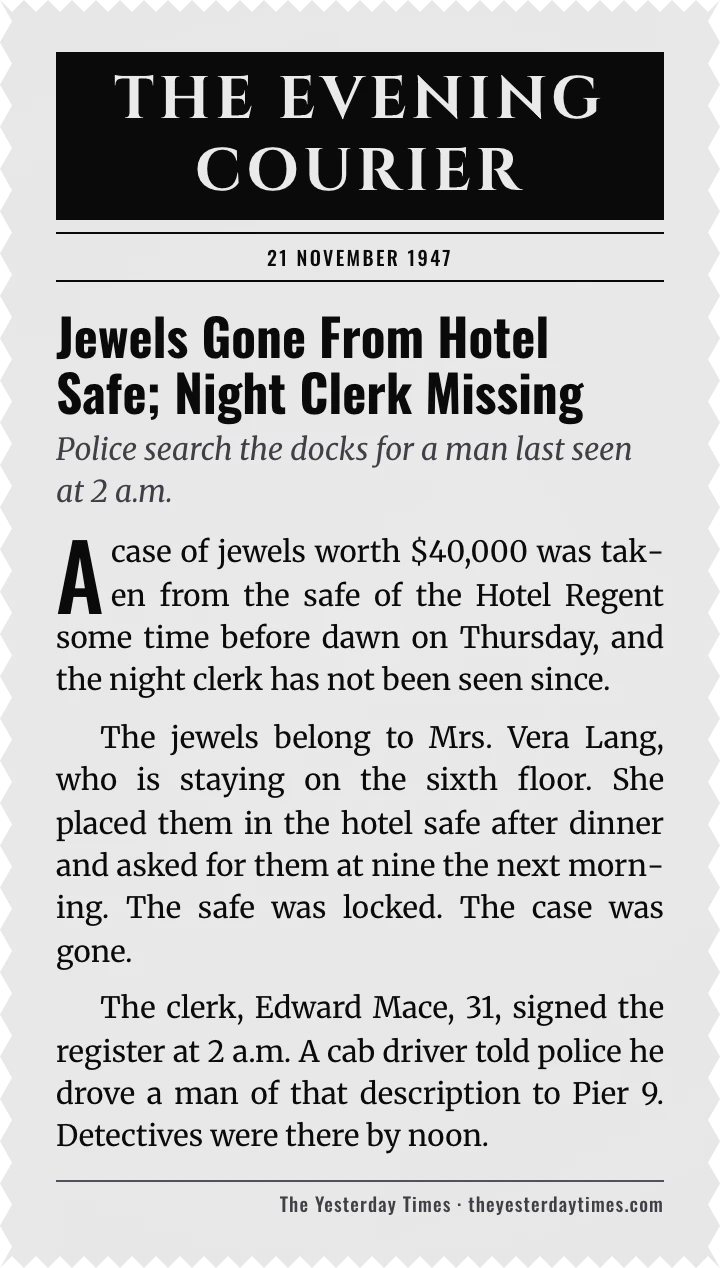
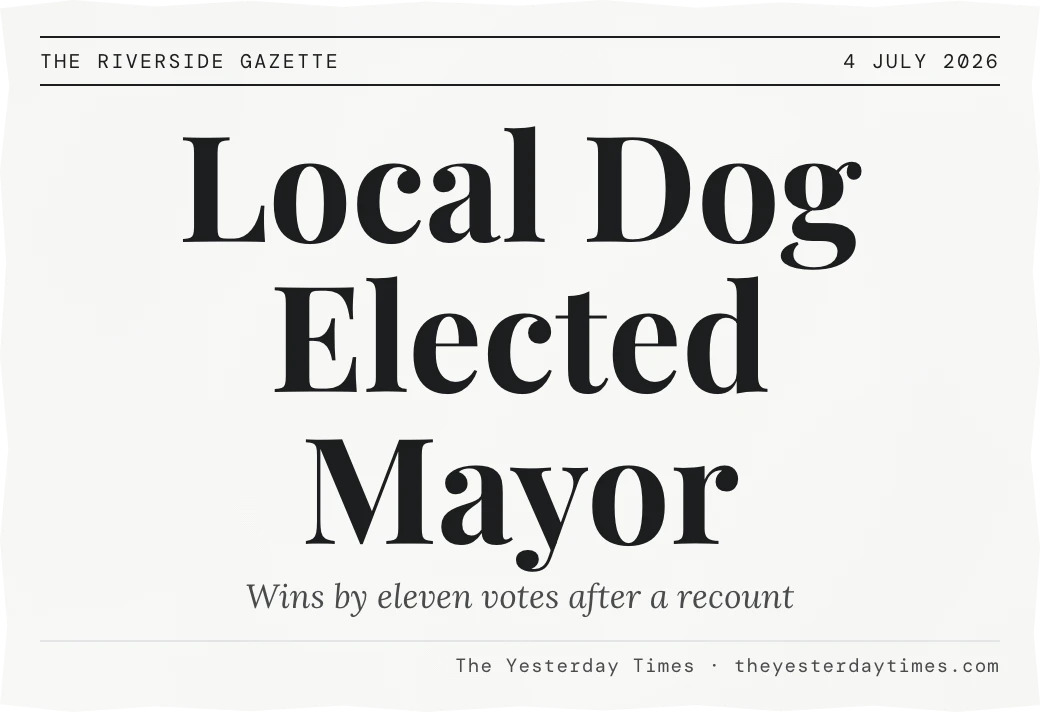
Making it for a birthday? See the front page from the day they were born.
Yes. Making a clipping and downloading it are both free, and you do not need an account.
No. A small credit line with our name sits at the foot of the clipping, the way a real clipping carries its paper's name. Untick it in the form and it is gone.
Yes. The download is a PNG, 720 pixels wide for one column or 1280 for two, and everything outside the cut edges is transparent. The clipping sits on a card, a slide or a scrapbook page with no white box around it.
Yes. Upload an image under 3MB, or search for a photo in the form. It is printed in the clipping's newsprint tone with a caption you write.
You do, unless you ask the writing assistant for a draft. A draft is a starting point, and you can edit every word before you download.
Yes. Props for a film or a play are a common reason, and so are party games. Type any paper name and date you like, but don't pass a clipping off as a real news report.
No. It is a novelty made to look like one. The paper name and the date are whatever you type, and nothing is taken from a real newspaper.
Yes. The newspaper generator builds a full front page with several stories, and our birthday newspapers fill one with the real events of the day someone was born.