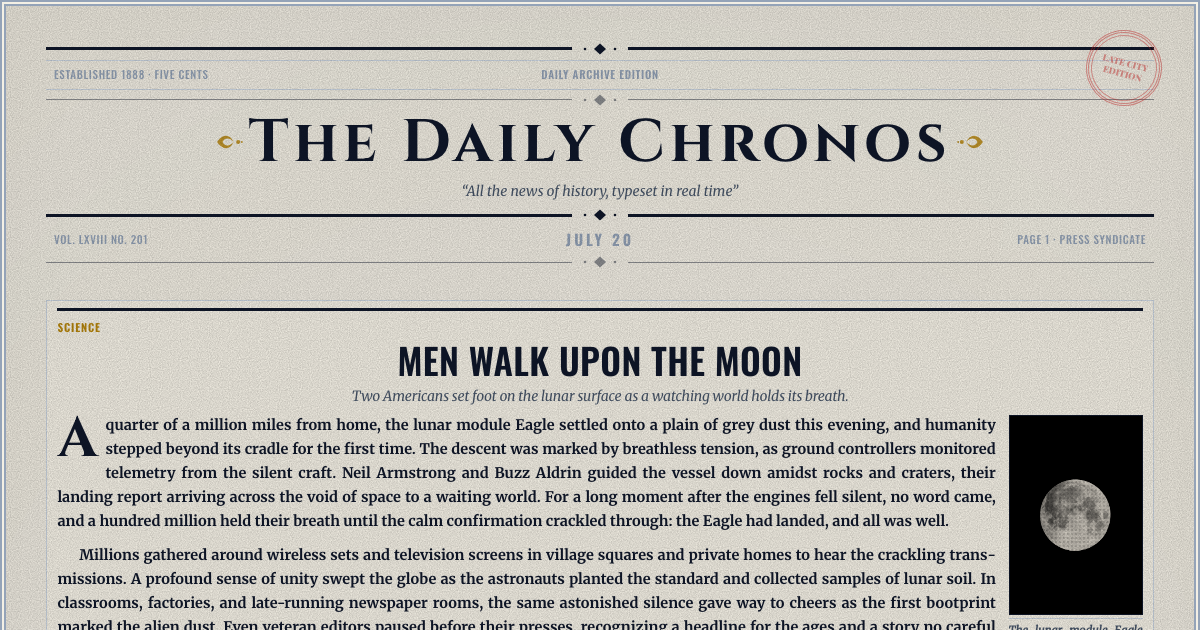
The Yesterday Times newspaper generator builds a realistic broadsheet front page from a blank sheet. Pick one of ten layouts, write every headline and story yourself, add your own photos, and download or share the finished page. It is free to make and free to download.
Every page is set on an authentic twelve-column broadsheet grid, with drop caps, column rules, and the typography a printed paper used. Ten front-page layouts are available, each holding eight to thirteen stories. The theme runs from clean and modern to aged sepia, so the same words can read as this morning's edition or as something pulled out of an attic.
This is the blank-sheet side of the site. You set the masthead, the dateline, the price line, and then write every headline, article, byline, and photo caption. Nothing is generated for you unless you ask for it. That makes it the right tool for a page nobody else could write: an inside joke, a leaving present, a club newsletter, a wedding programme, a scene-setting prop. For a single story, the newspaper clipping generator makes one cut-out clipping instead of a whole page.
Three steps. Name your paper and set the date it prints. Pick one of ten front-page layouts. Then write every story, add photos and choose a theme. A meter beside each story shows, in lines, how far it runs over its box or how much room is left. Then download the page or share a link to it. Or start from one of the three sample pages below and change it.
Most people searching for an old newspaper template want a file to fight with in Word or Canva. This works differently: the vintage look is already built in, so there is no file to download, no fonts to install, and no layout to nudge back into place. Choose the aged theme and the paper stock, the period typography, and the column rules come with it.
A class newspaper is one of the most common reasons people build a front page, and this handles the parts that usually go wrong. The grid holds its shape however much students write, copy that overruns its column is flagged rather than silently cut, and the finished page prints cleanly on a home printer. Nothing needs installing, and a page can be shared with a link for marking.
A front page makes a good keepsake for an occasion, and you can write one here from scratch. If you would rather the page filled itself with the real events of a particular date, that is what our personalized editions do: choose a birthday, an anniversary, a wedding or a retirement and the paper is built around the day itself.
The editor works the way a page really gets made. You type each story straight onto the page, so you see the layout change as you write, and a column beside it tells you when a story is short or long for its box. Headline lengths are budgeted to the space they have, and you can swap layouts at any point without retyping a word.
Making a front page and reading it back costs nothing, and the high-resolution download is free too. There is no account needed to start and no watermark on what you make.
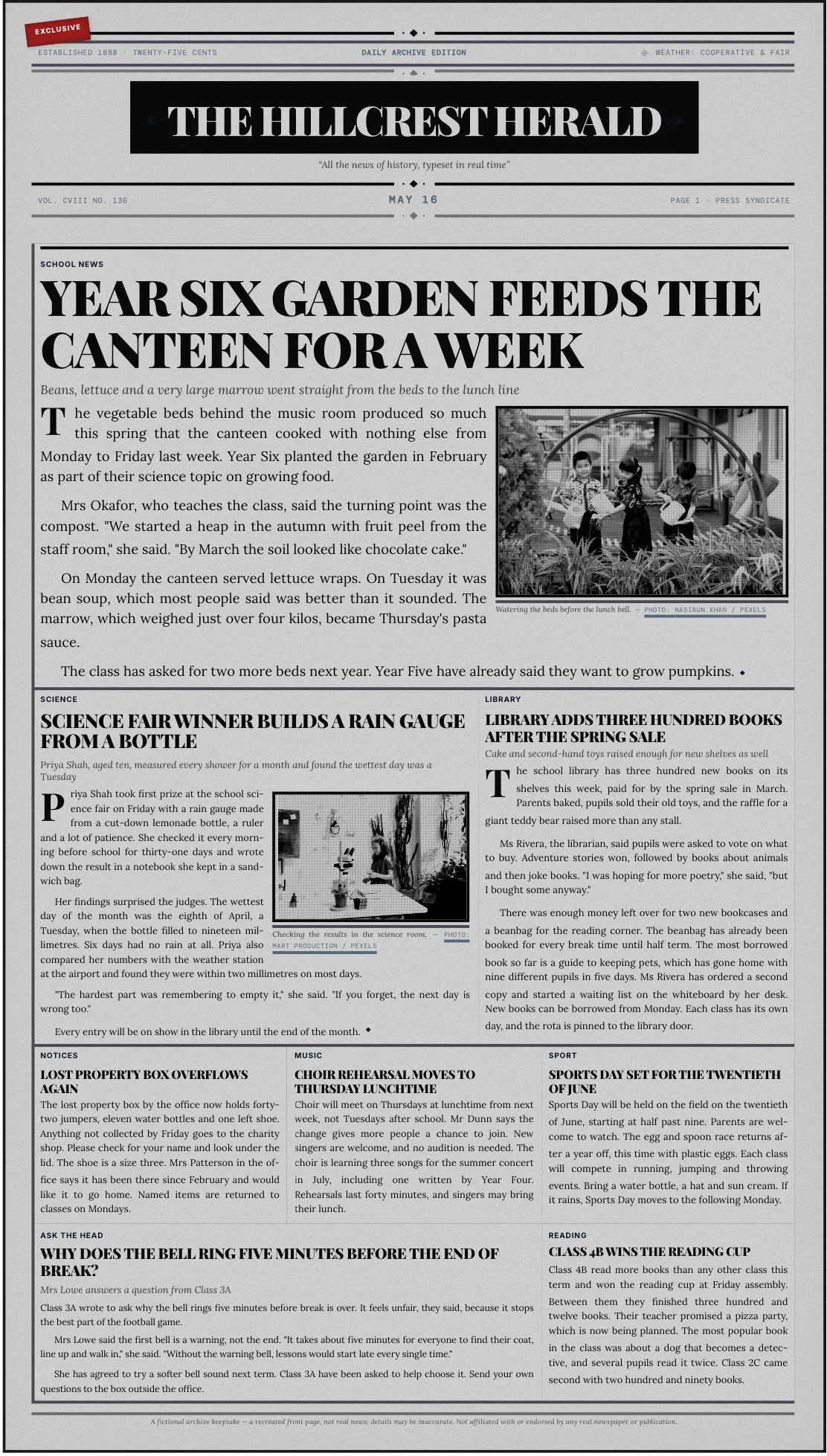
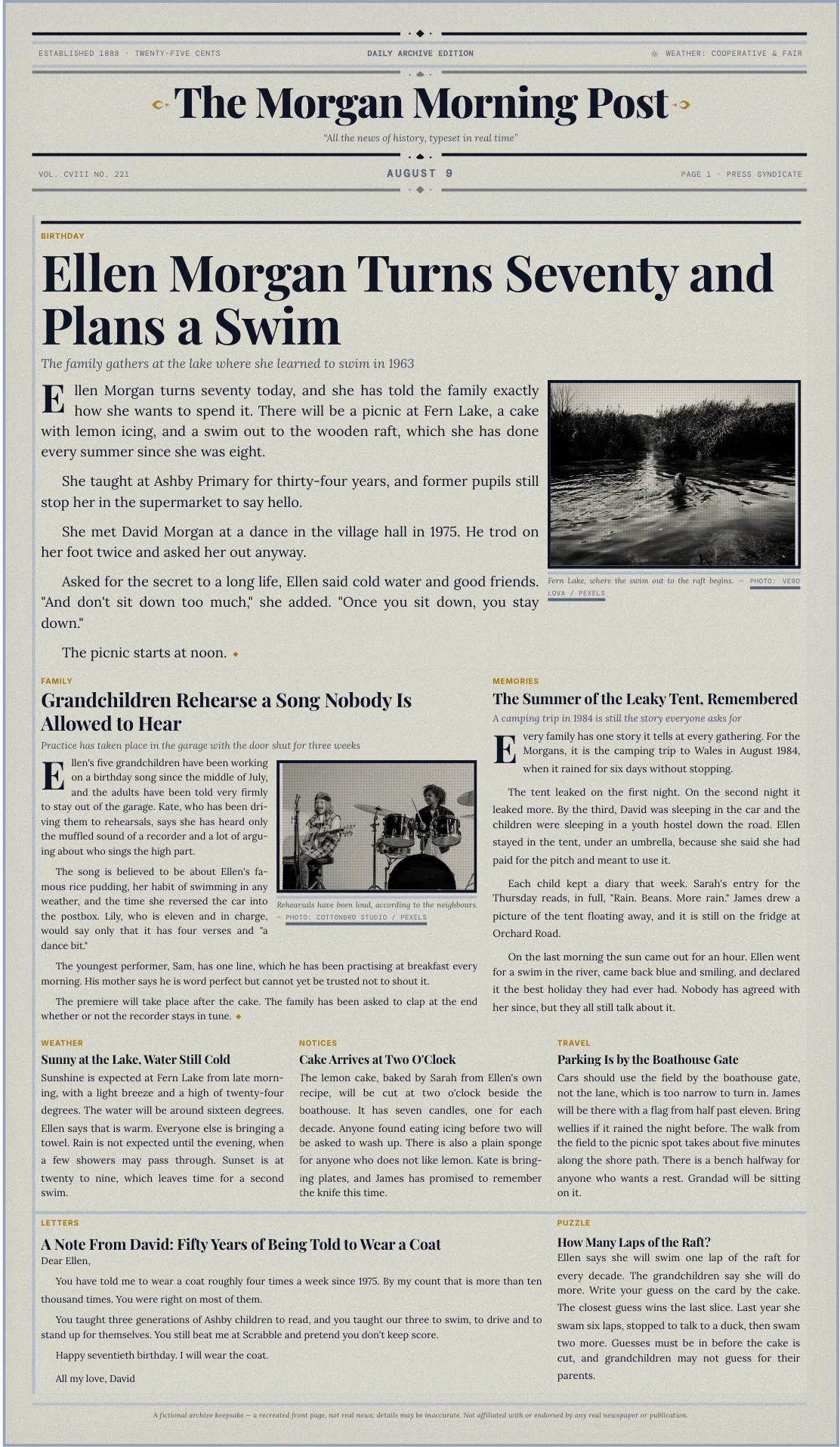
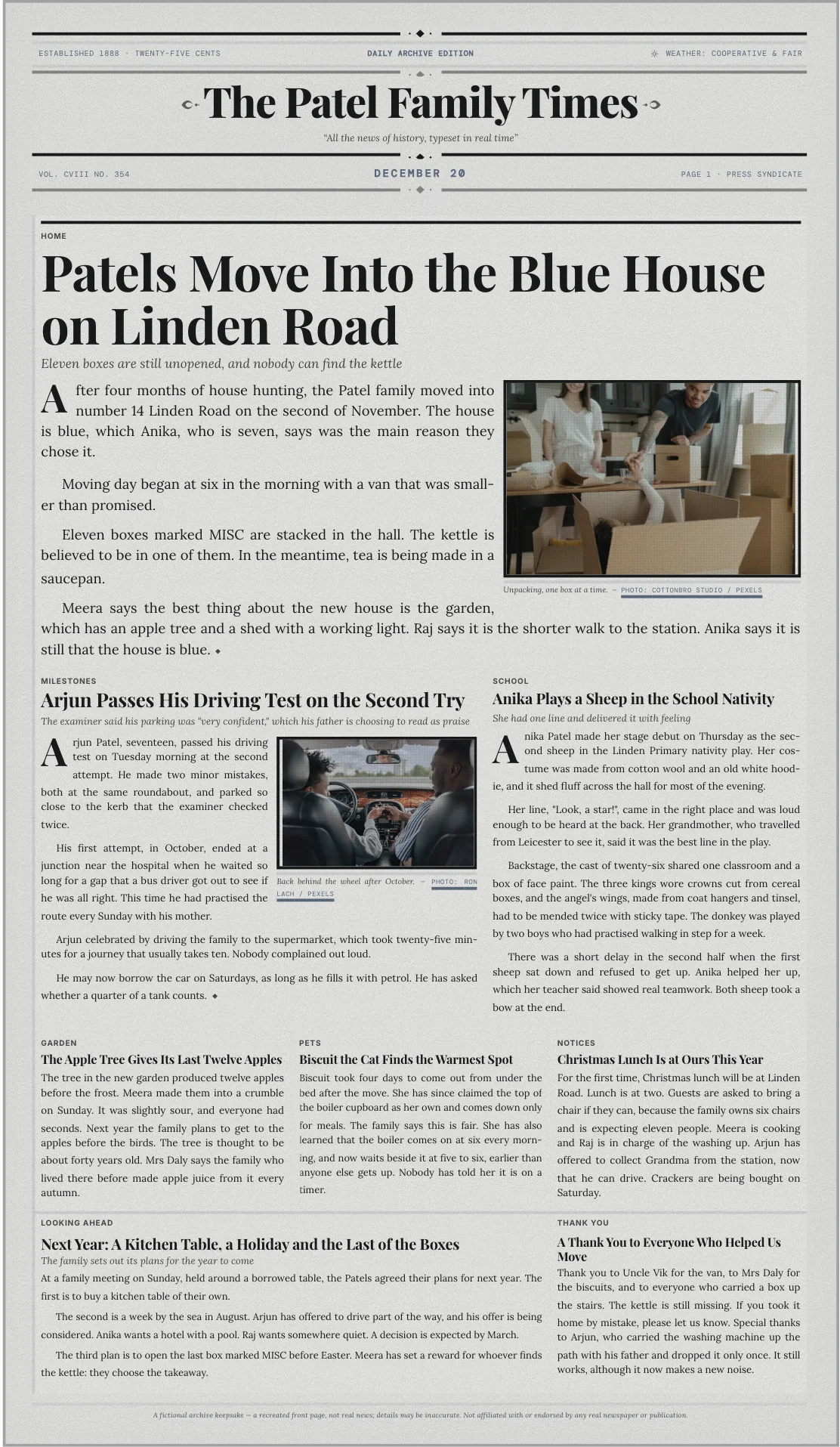
Making it for a birthday or an anniversary? See personalized newspaper gifts.
Yes. Building a front page, previewing it, and downloading the high-resolution file are all free, and the download carries no watermark.
No. You can start writing a front page straight away. An account is only useful if you want your editions saved to a library you can come back to.
You do, unless you ask for help. Give Write it for me a line about what happened and it drafts a headline, a subheading and a story sized to fit the box, and you can change every word. Our other editions fill the page with the real events of a date you choose instead.
Yes. Choose the aged theme and you get period typography, column rules and paper tone together. There is no template to download and no fonts to install.
Yes. Upload an image under 3MB into any story that takes one, or search for a photo from the editor. It is set in vintage print with a caption you write.
Yes, and it is a common use. Nothing needs installing, the layout holds its shape however much is written, and the finished page can be shared as a link or printed at home.
A simple page takes a few minutes. The rest depends on how much you write yourself.
Yes. Copy, photos, fonts, theme, and the layout grid itself all stay editable. Swapping to a different layout keeps everything you have written.
No. This is not a template file. It is an editor that produces a finished page, which you download as a high-resolution PNG image or a PDF.
No. Every edition is a digital download. The file is high resolution, so printing it at home or at a print shop works well, but the printing is yours to arrange.