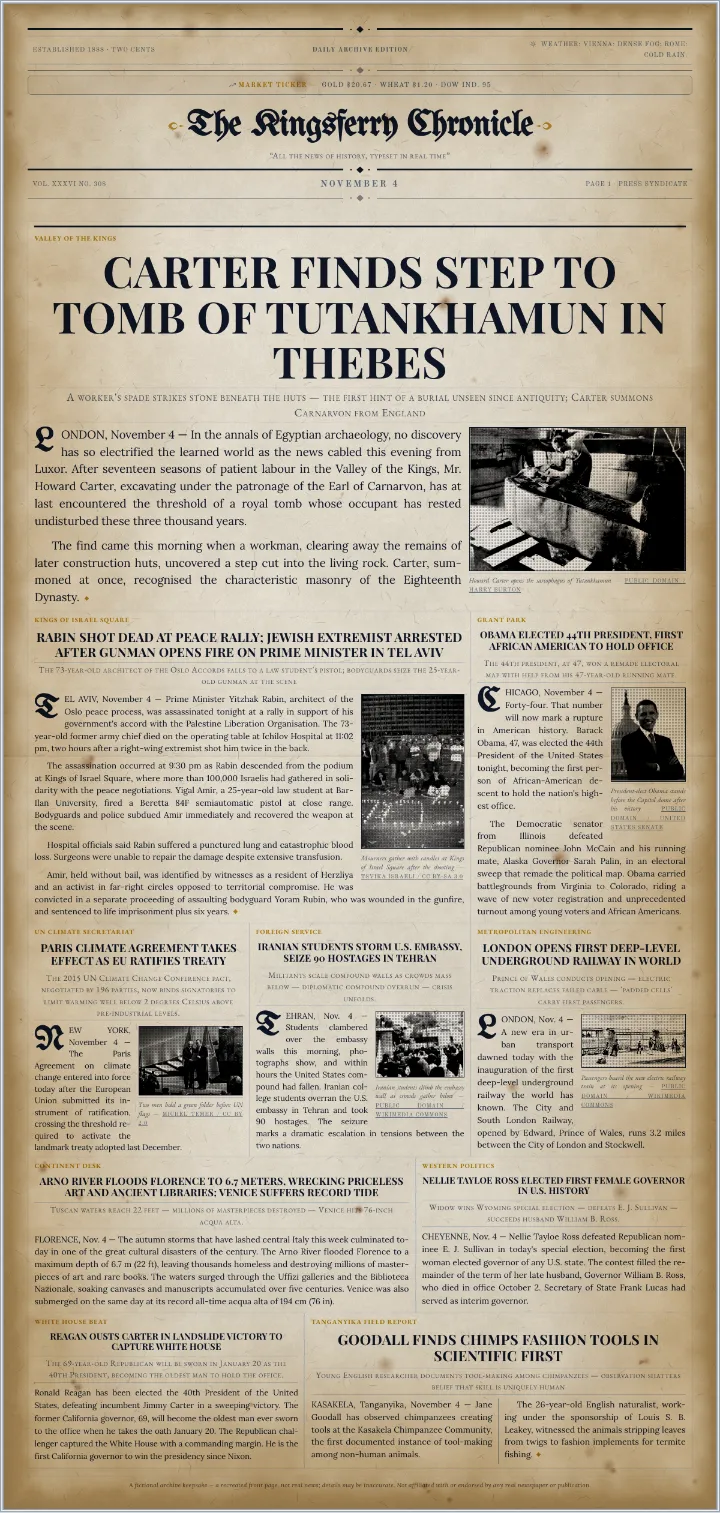
Each template opens with real stories from a real day in history. Change the masthead, the stories and the paper, then print it or download a PDF. Every event was picked by hand from the historical record, written up as a news report, and checked against its source.
Most newspaper templates are empty boxes and placeholder text. These start as a finished front page: real events written up as news reports, with the photographs and captions in place. Open one, put your own paper's name on the masthead, and change as much or as little as you like. For a birthday or a wedding, a birthday newspaper or a wedding newspaper puts the person or the couple on the front page instead.
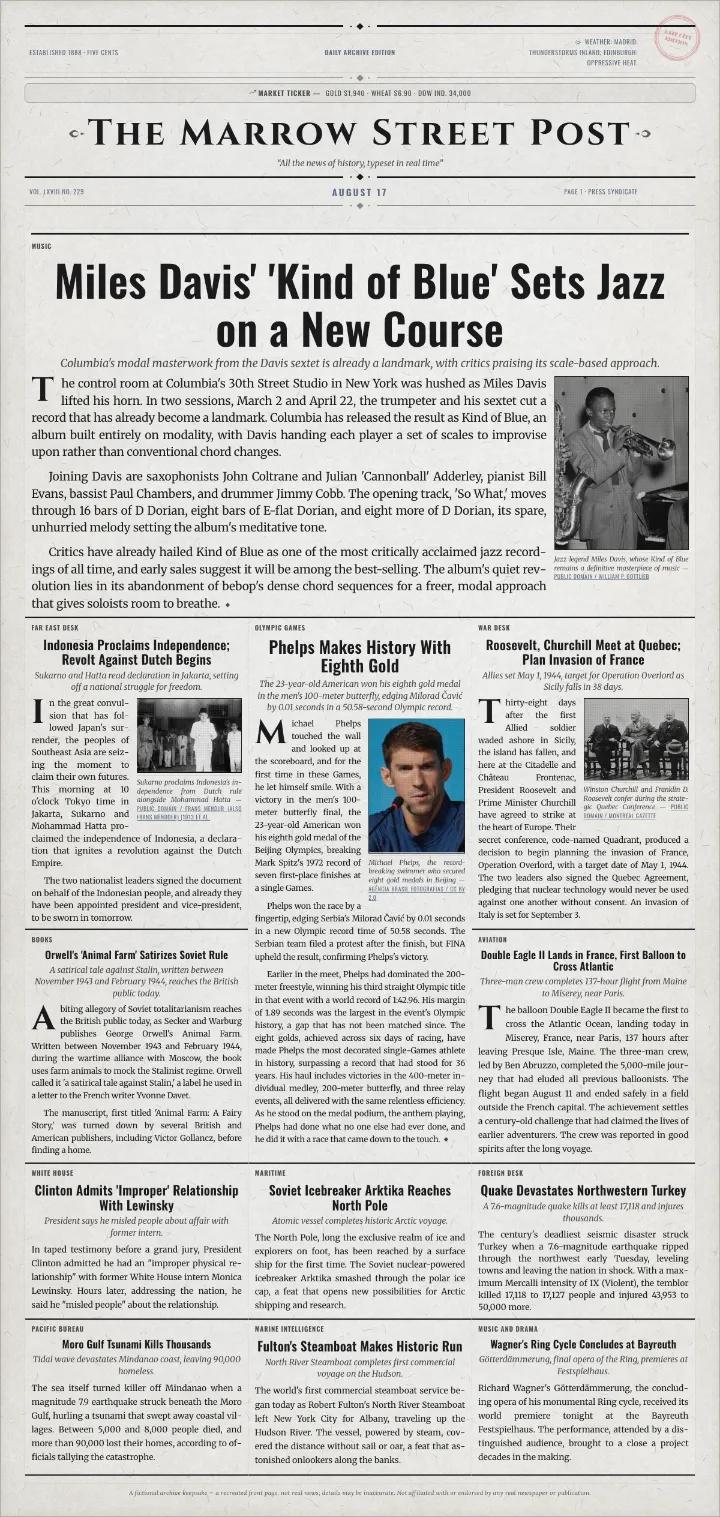
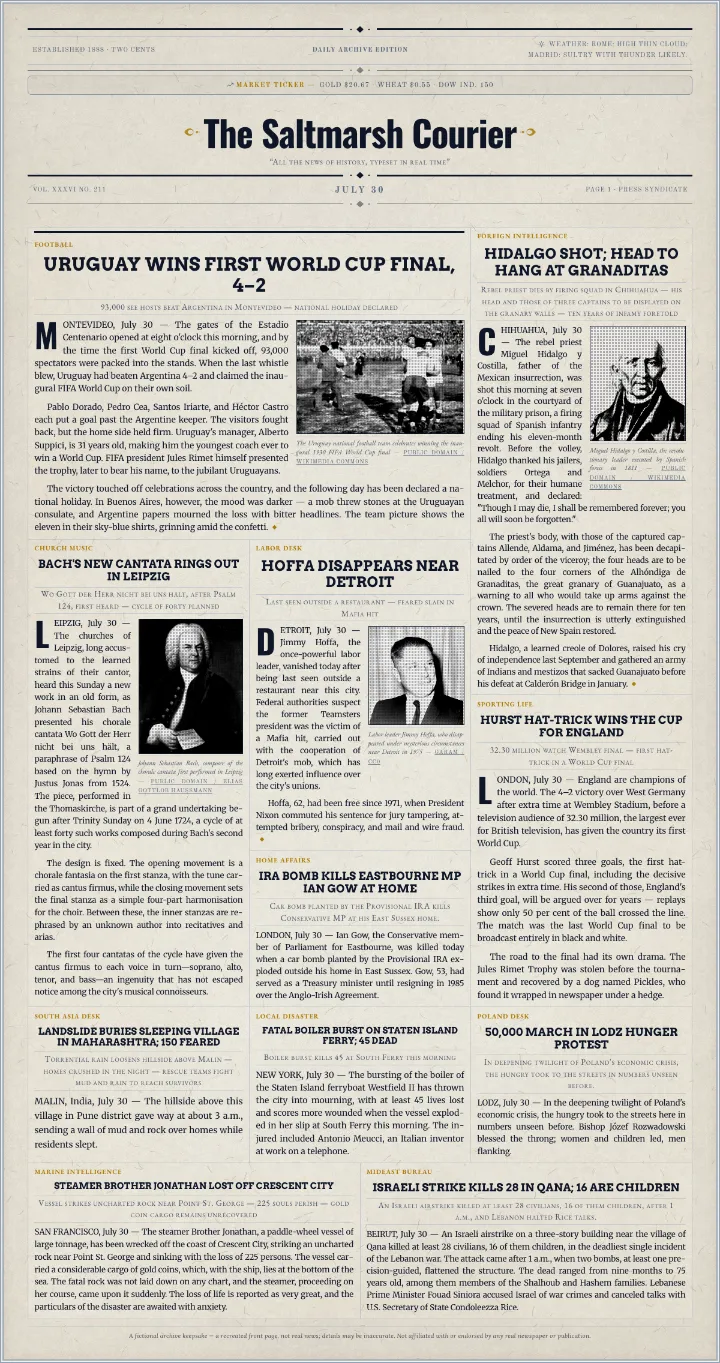
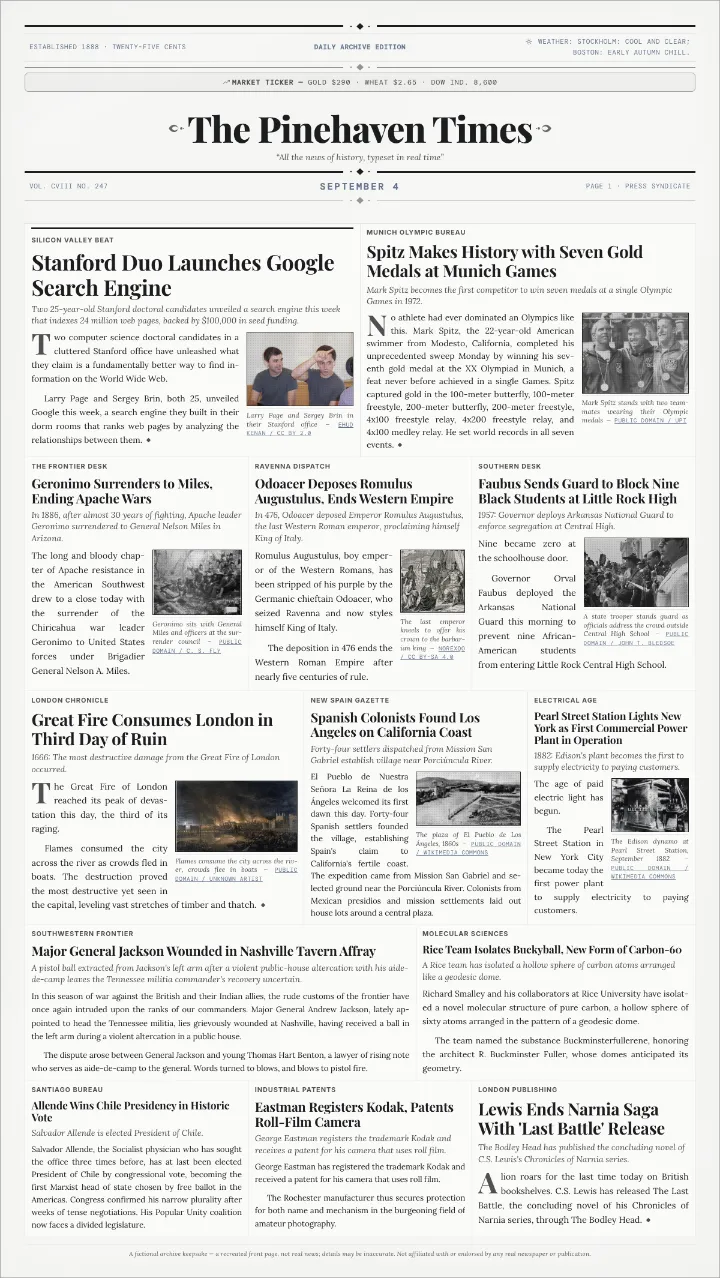
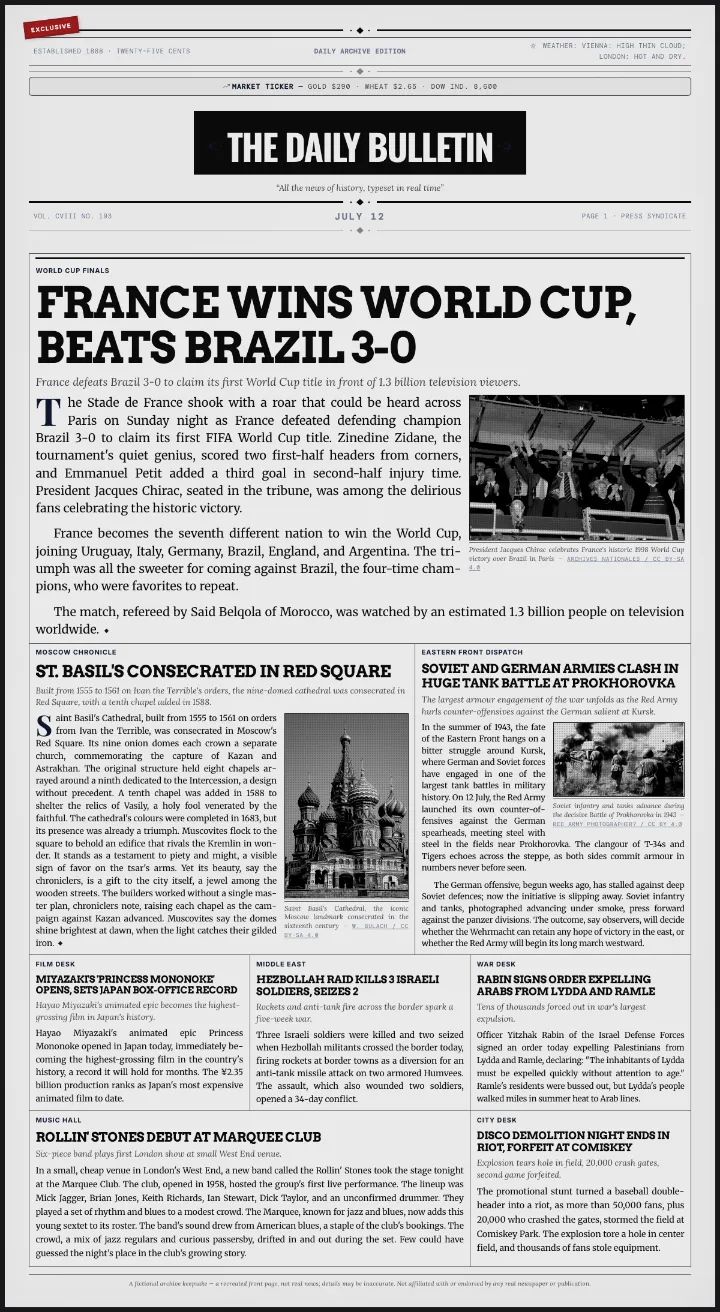
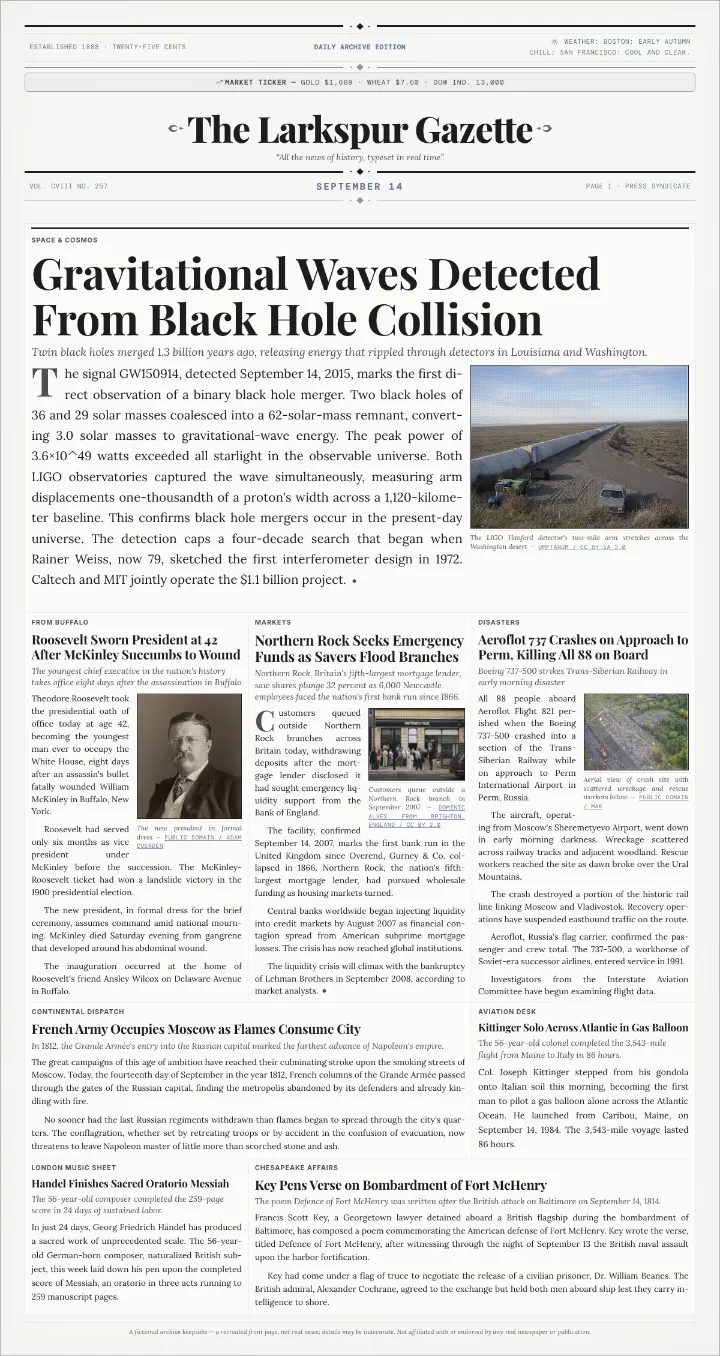
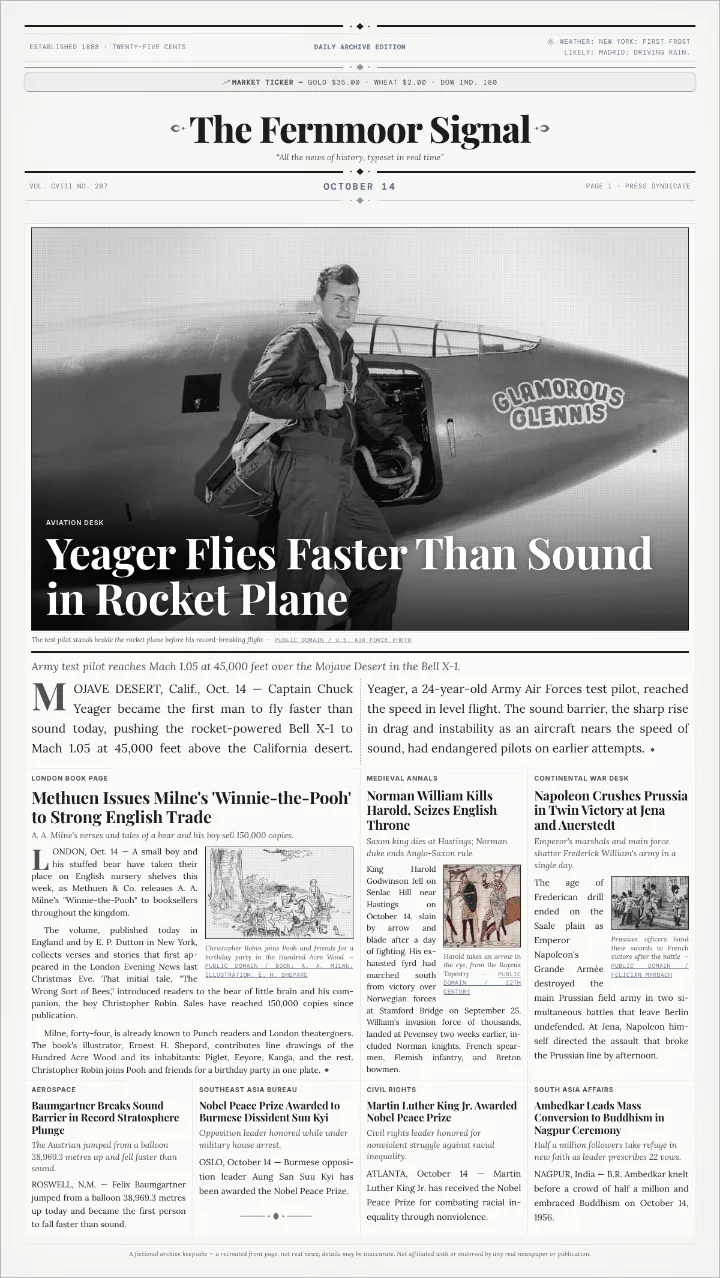
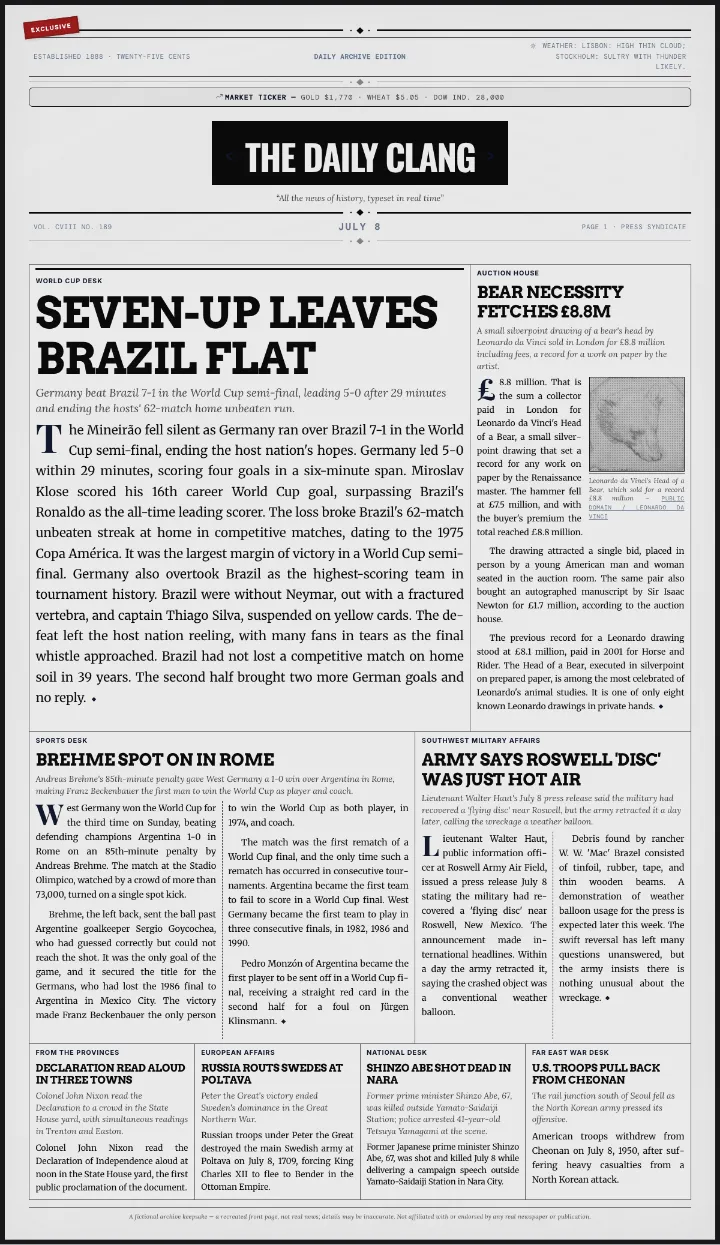
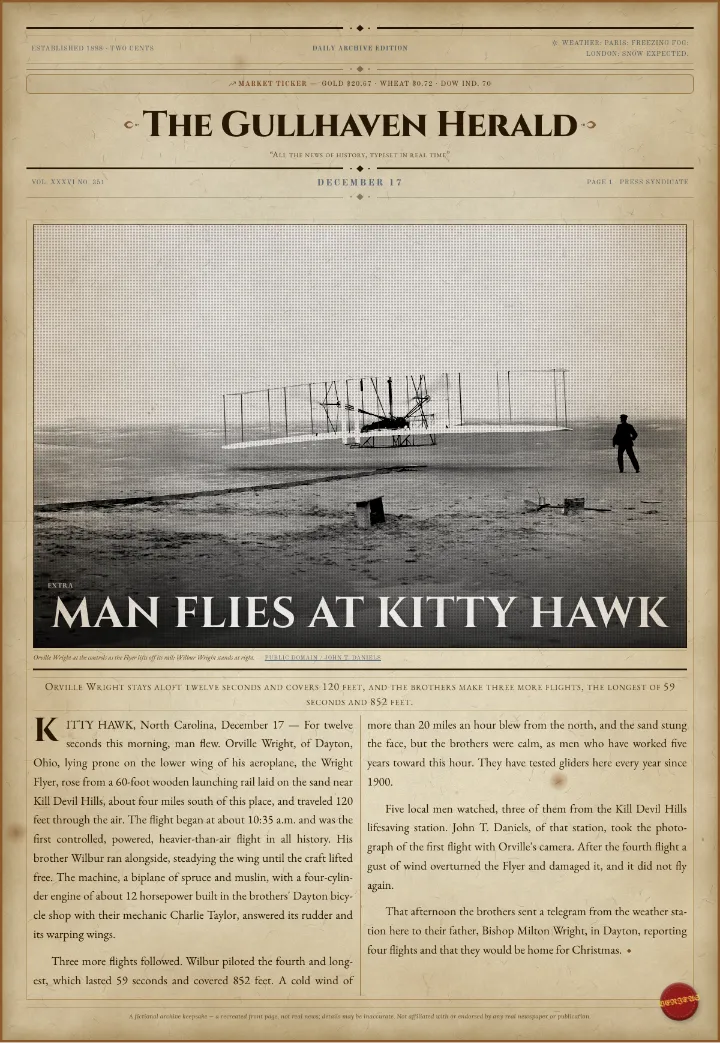
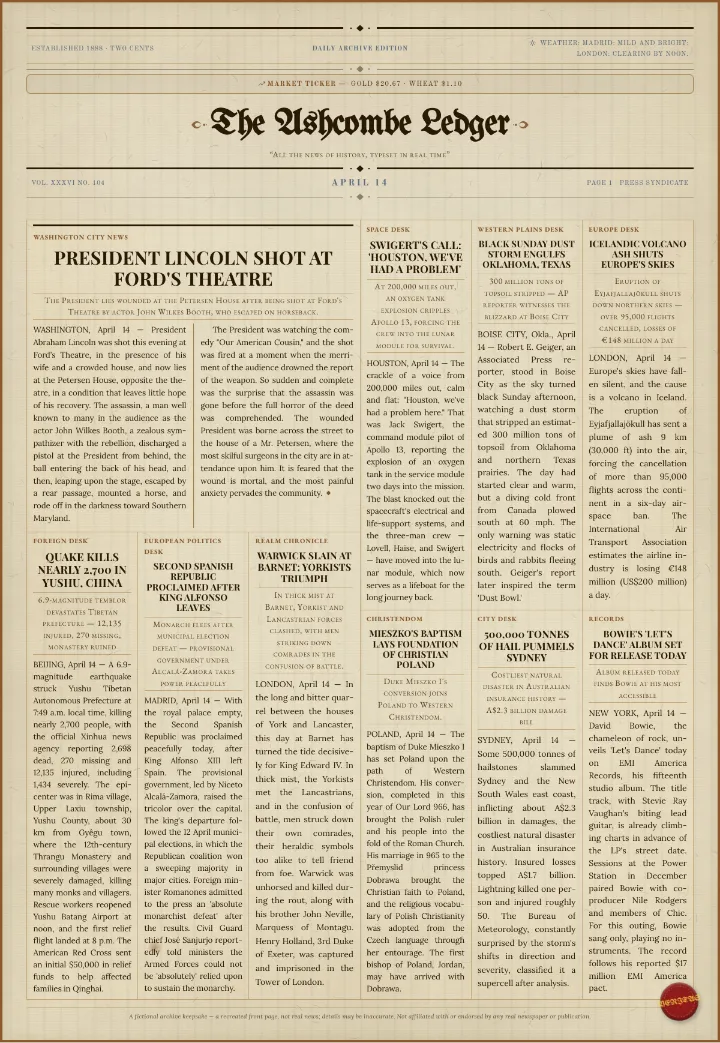
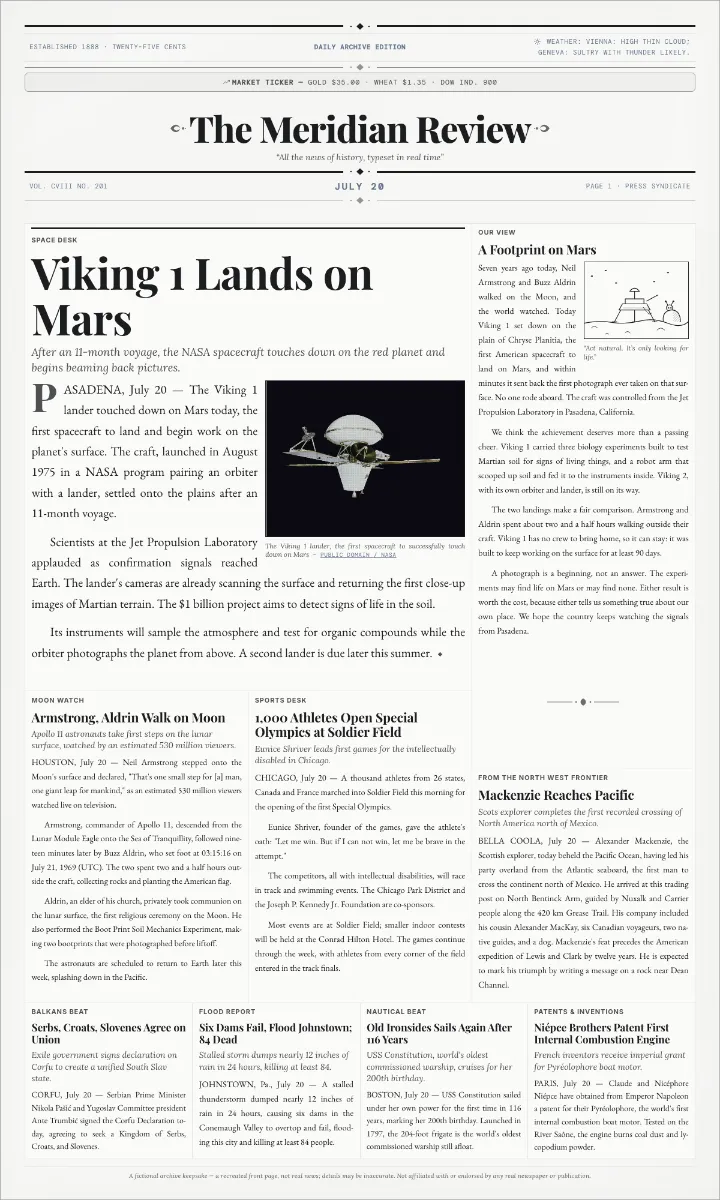
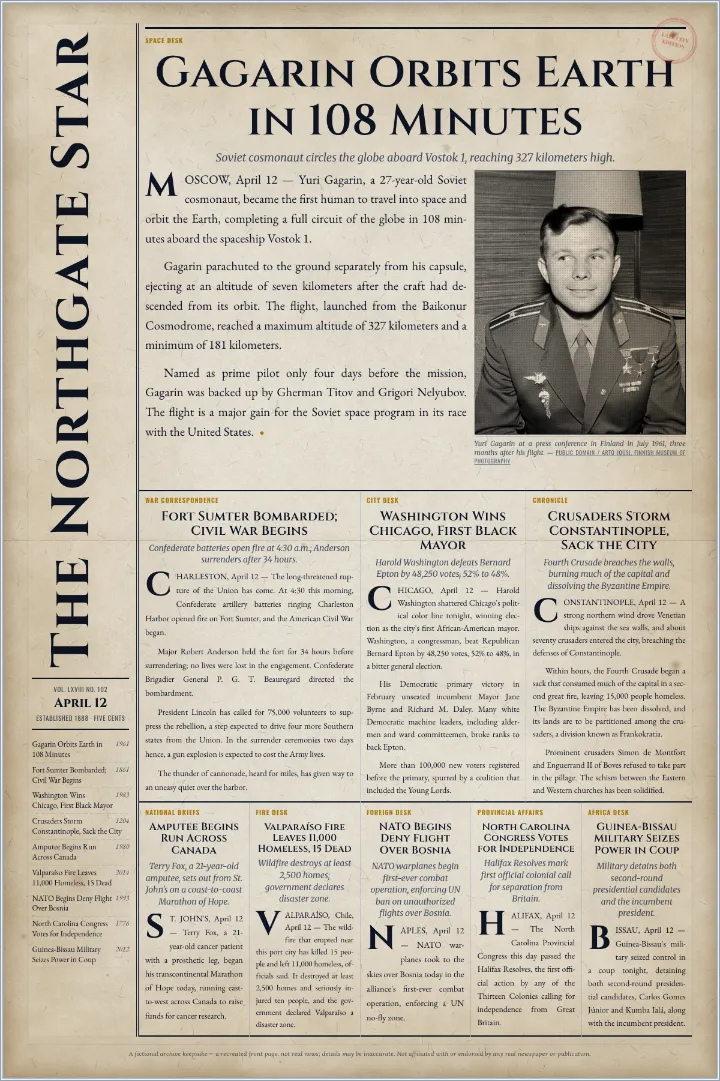
The old newspaper templates are set in Victorian, Civil War and 1950s type on aged paper, for a vintage look. The wartime ones carry the news of the Emancipation Proclamation, the 1918 armistice and the D-Day landings. The modern ones use plain modern type on white or black and white paper. Most hold eight to thirteen stories in the layout of the day they come from. Six have shapes of their own: a photo cover with one big picture across the top, a tabloid front with four leads under joke headlines, a special edition that gives the whole page to one story, a notices front of ten stories in type alone, an editorial page with the paper's own column and a cartoon beside the lead, and a page with the paper's name running up its left edge.
Students writing a newspaper report, such as a KS2 news report, can open a template, keep the layout and replace the stories with their own. The page shows how a real paper sets a headline, the line under it, a photo caption and the columns of a story. For a history topic, start from the template of that day: the tomb of Tutankhamun, the Emancipation Proclamation or the first World Cup.
The masthead is the paper's name across the top, with the date and the price under it. Each story has a headline, often a smaller line under it, and the story itself in narrow columns. The lead story takes the top of the page and the biggest photo, and shorter items fill the columns lower down. A single newspaper article has a headline, the writer's name, a first paragraph that says what happened, and the rest of the story under it. For a newspaper article template with one story on its own, the newspaper clipping generator makes a single cut-out clipping.
This is an online editor, not a Google Docs or Word file. The page is set in your browser, and you download it as a PDF or PNG to print, or to add to a document or a slide. The columns stay straight while you write, with no text boxes to drag back into place.
Every template can also start blank, the old-time ones included. Choose Use it blank for the same layout, type and paper with empty stories, ready for your own. Filled in or blank, the page downloads as a PDF or PNG ready to print. To pick from all ten layouts, start in the newspaper generator.
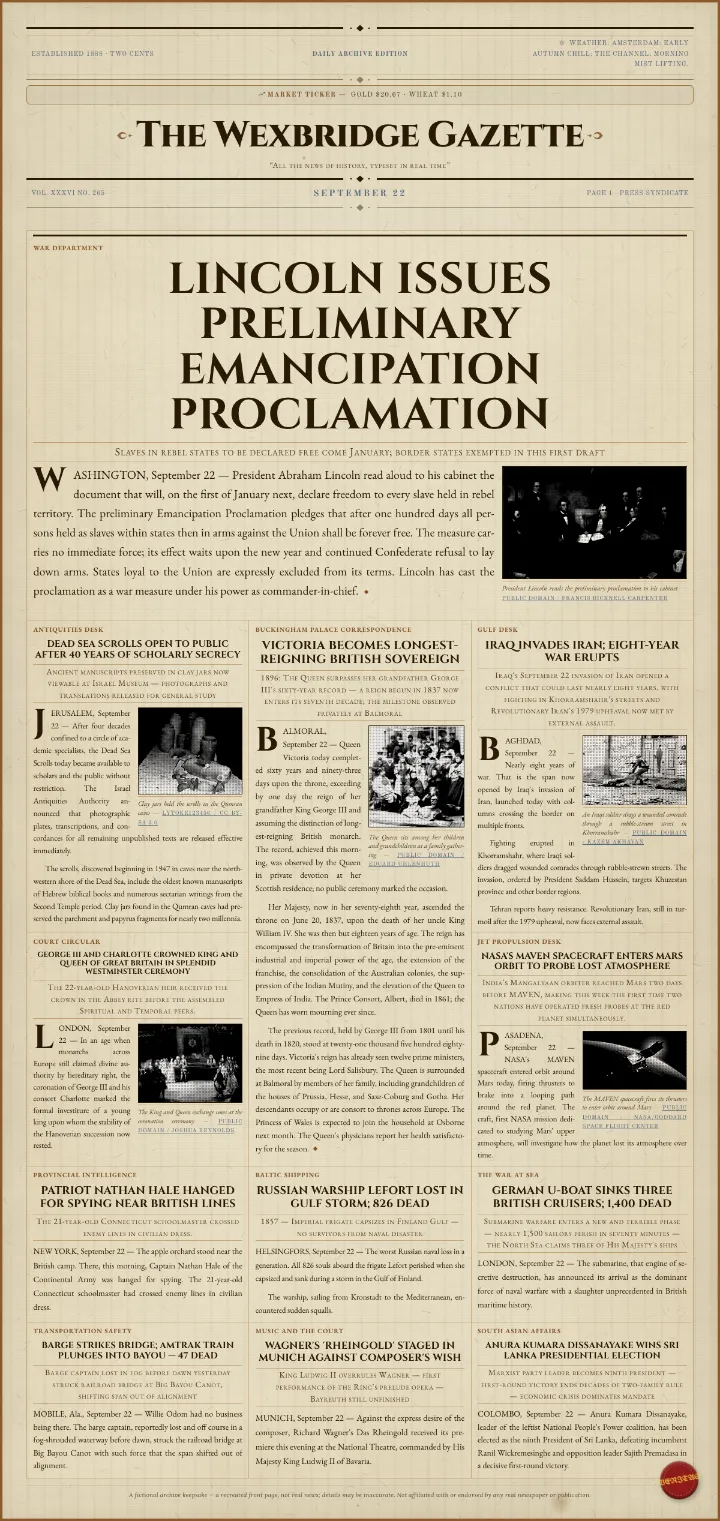
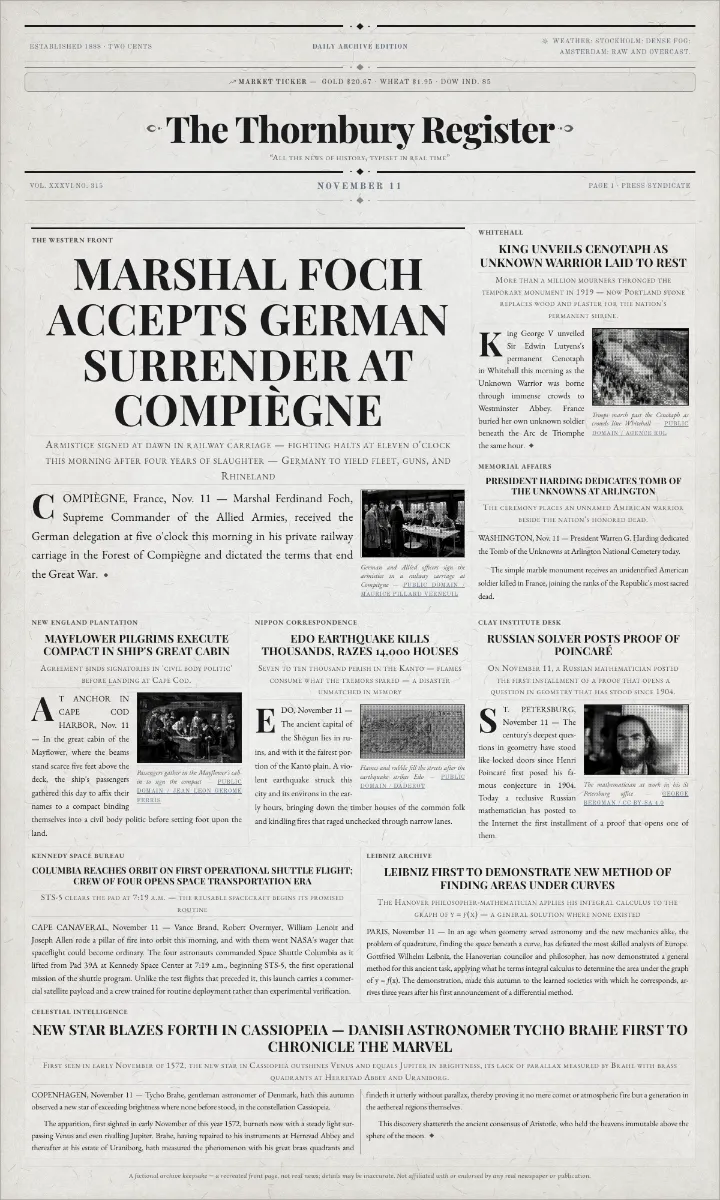
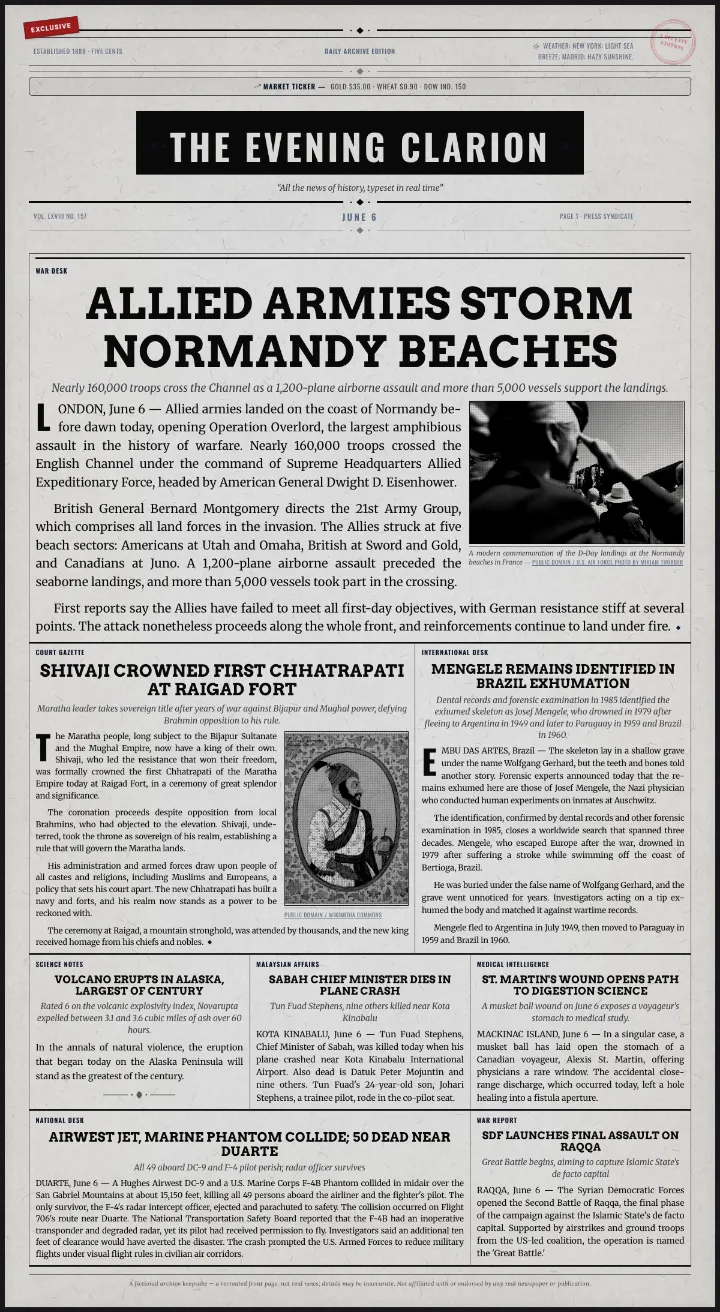
Want to write every word yourself? Start a blank page in the newspaper generator.
Yes. Opening a template, editing it and downloading the page are all free, with no watermark.
Yes. They are real events from that day in history, picked by hand from the historical record, written up as news reports and checked against their sources. The paper's name on the masthead is invented, and you can change it.
Yes. Every headline, story, photo and caption can be rewritten or replaced, and the layout, the fonts and the paper can be changed too.
No. This is an online editor, not a Google Docs file. Download the finished page as a PDF or PNG and add it to a Google Doc, a Word file or a slide.
Yes. Choose Use it blank on any template for the same layout and look with empty stories, or start from a blank page in the newspaper generator.
Yes. Keep the layout, replace the stories with your own reports, and download the page to print.